
Download Unlockit Android – unlock android phone, bypass frp, unlock phone without password, android frp bypass, unlock samsung phone
Overview
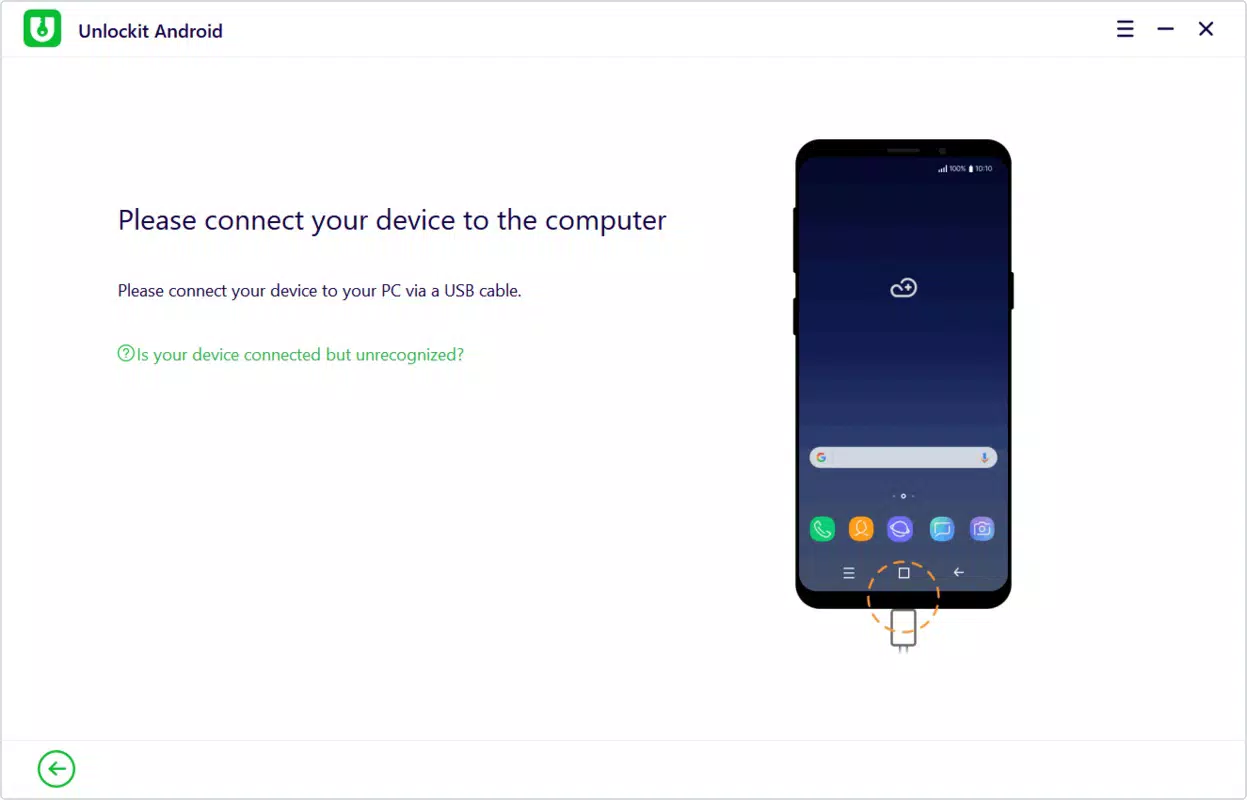
Unlockit Android is a targeted utility designed to assist users who have lost access to their Android devices due to forgotten passwords, lock screen issues, or Factory Reset Protection (FRP) barriers. The app serves as a recovery solution for individuals struggling to regain control of their smartphones or tablets, particularly those using Samsung devices. Its primary purpose is to streamline the unlocking process through a guided, PC-assisted method. By connecting the locked device to a computer, users can follow on-screen instructions to restore access without technical expertise. This makes it especially valuable for non-technical users who may feel overwhelmed by standard recovery protocols.
Target users include everyday consumers, mobile device owners who frequently switch between accounts, and individuals who have attempted factory resets but were blocked by FRP. The app addresses a common pain point in the Android ecosystem—security features that, while intended to protect data, can inadvertently lock users out of their own devices. Although the developer did not provide additional technical details about the underlying mechanisms, the application is positioned as a reliable tool for access recovery. Real-world use cases include recovering a personal phone after a password change, restoring a family member’s device, or retrieving data from a device previously used in a work or educational setting.
Key Features & Functionality
- Simple Unlocking Process: The app enables users to unlock their devices by connecting them to a PC and following step-by-step on-screen guidance. This minimizes user error and ensures a consistent experience across different devices.
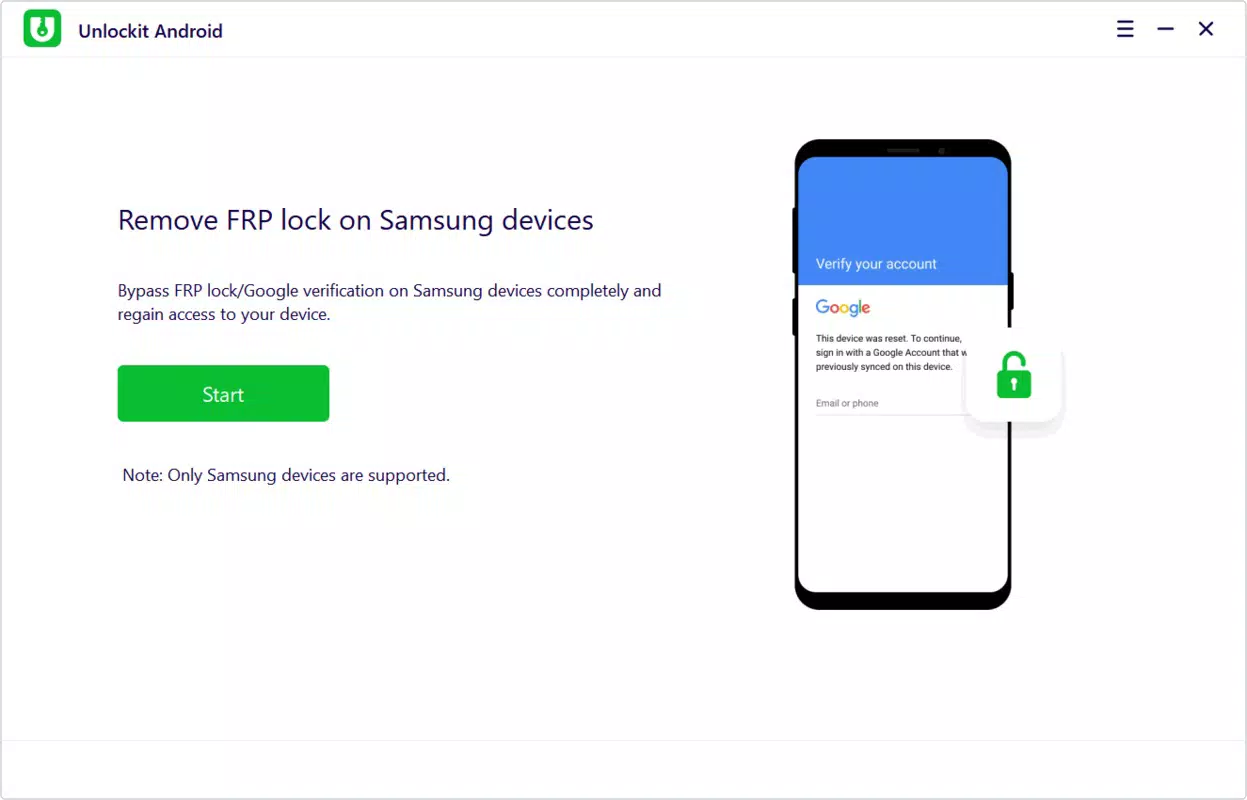
- Bypass Factory Reset Protection (FRP): A core functionality of Unlockit Android is its ability to circumvent FRP, a security measure that prevents access to a device after a factory reset unless the original Google account is re-entered.
- Wide Compatibility: While optimized for Samsung devices, the application supports various other Android models, making it a versatile tool for a broad user base.
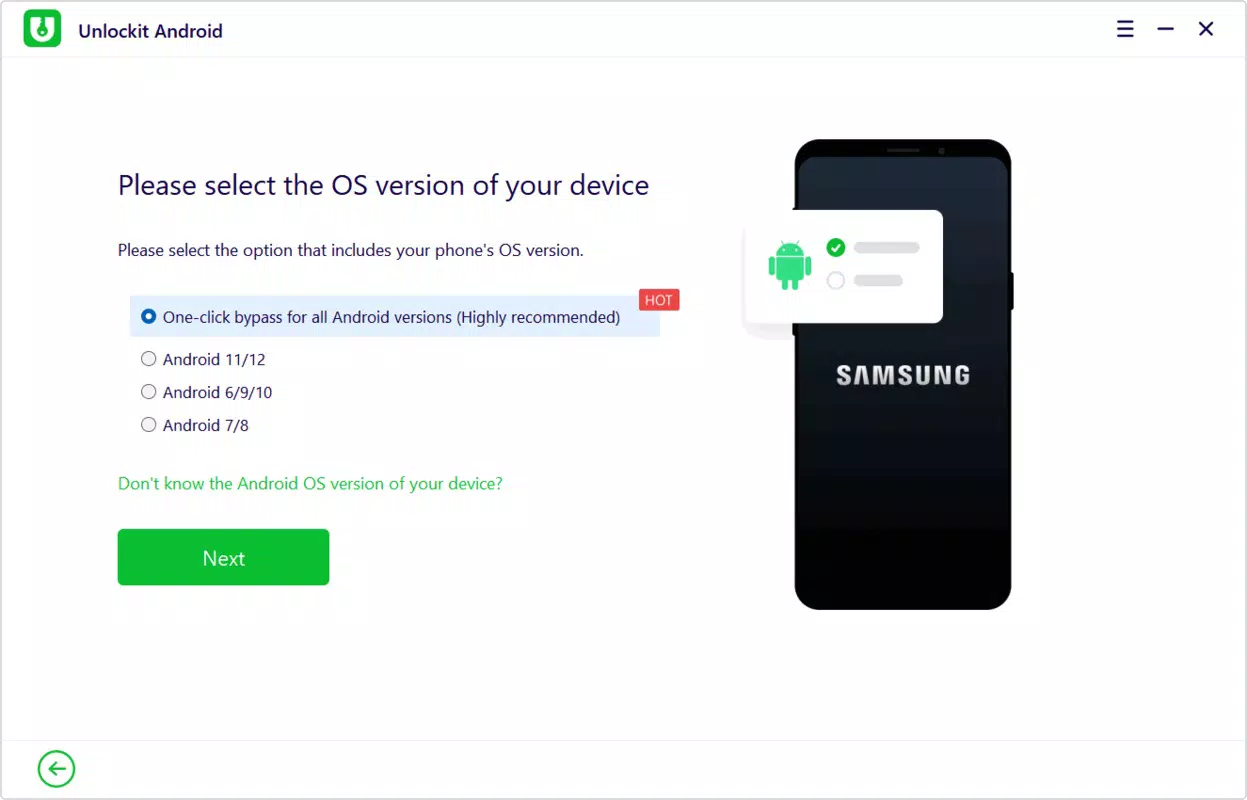
- Guided User Experience: The interface is designed with a self-explanatory menu and clear instructions, reducing confusion and helping users navigate each stage of the unlocking process.
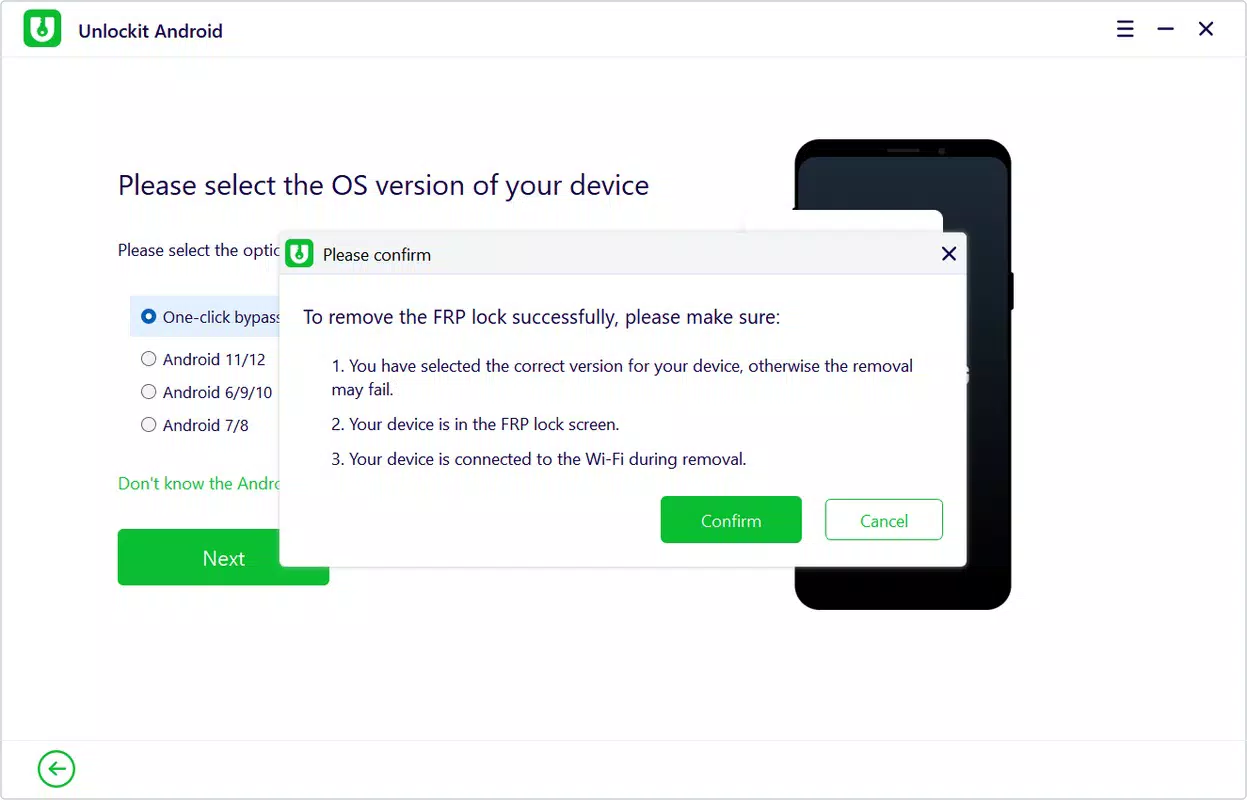
- Wi-Fi Connection Requirement: To ensure a stable connection during the unlocking sequence, the device must be connected to a Wi-Fi network. This requirement supports reliable data transfer and reduces the risk of process interruption.
For example, a user who forgot their Samsung phone password can connect the device to a computer, launch Unlockit Android, and follow the prompts to unlock the device in minutes. Similarly, someone who performed a factory reset but was blocked by FRP can use the app to bypass the restriction and regain full access. The structured approach ensures that even first-time users can complete the process without external help.
Interface, UX & Performance
The user interface of Unlockit Android is designed with simplicity and clarity in mind. The layout emphasizes step-by-step navigation, with visual cues and minimal text to guide users through each phase of the unlocking process. The visual style is functional, avoiding unnecessary animations or clutter, which helps maintain focus on the core task. Navigation is linear and intuitive—users progress through clearly labeled stages, such as device detection, connection setup, and FRP bypass confirmation.
Although the developer did not list formal performance metrics, the app appears to function efficiently within the constraints of a PC-assisted unlocking workflow. The responsiveness of the interface is consistent with standard utility applications, and the process remains stable during execution. Users are not required to make complex decisions or input advanced technical data, which reduces the likelihood of errors.
The app does not require background processes on the mobile device, relying instead on the PC for execution. Stability is maintained through controlled communication between the device and the host computer. Compatibility with different device categories is not fully disclosed, but the guided experience suggests adaptability across various Android hardware configurations.
Platform Compatibility & Technical Requirements
Unlockit Android is available exclusively on the Android platform. The current version is 1.0.1, with a file size of 24.5 MB. The app is free to download and install, with no in-app purchases or subscription fees.
The developer did not specify minimum OS requirements or device compatibility beyond general support for Samsung and other Android models. Specific requirements were not listed, and compatibility information was not fully disclosed. The application requires a computer with USB connectivity and a stable internet connection to function properly.
The device being unlocked must be connected to a Wi-Fi network during the process, as mandated by the app’s operational protocol.
Pros and Cons
Pros
- Simple, step-by-step unlocking process suitable for non-technical users
- Effective FRP bypass capability for factory reset recovery
- Optimized for Samsung devices with broad support for other Android models
- Guided interface minimizes user confusion and errors
- Free to download and use with no hidden costs
Cons
- Requires a PC and USB connection for operation
- Device must be connected to Wi-Fi during the process
- Specific OS and device compatibility details were not provided
- Dependent on external hardware (PC) for core functionality
- Developer did not disclose technical implementation or security protocols
FAQ
Is Unlockit Android safe to use?
The app is designed to help users recover access to their own devices. However, users should only use it on devices they legally own and have authorization to unlock. The developer did not provide detailed security or privacy policies.
Can I use Unlockit Android on any Android phone?
While the app supports Samsung devices and other Android models, specific compatibility details were not listed. Users should verify if their device is supported before attempting use.
Do I need a computer to use Unlockit Android?
Yes. The application requires a PC with USB connectivity to assist in the unlocking process. The device is connected via USB to the computer to initiate the recovery sequence.
Is Unlockit Android free?
Yes. The app is available at no cost. There are no in-app purchases or subscription models associated with the current version.
What should I do if the app doesn’t detect my device?
Ensure the device is properly connected via USB, the PC has the necessary drivers installed, and the device is connected to a Wi-Fi network. If issues persist, consult the official documentation or support resources, if available.
Final Thoughts
Unlockit Android stands out as a practical tool for users locked out of their devices due to forgotten credentials or FRP restrictions. Its focus on simplicity, guided workflows, and broad compatibility makes it a valuable asset in the Android recovery toolkit. While it requires a PC and Wi-Fi connection, the trade-off is a reliable and accessible solution for those in need.
The app is particularly beneficial for Samsung users, though its support for other brands enhances its utility. For individuals seeking a straightforward, no-cost method to regain access to their devices, Unlockit Android offers a compelling value proposition. With its intuitive design and targeted functionality, it fills a critical gap in the mobile ecosystem.
Download Unlockit Android now


